

Model Explorer
The Model Explorer allows you to visualize, edit, and manage your authorization model.-
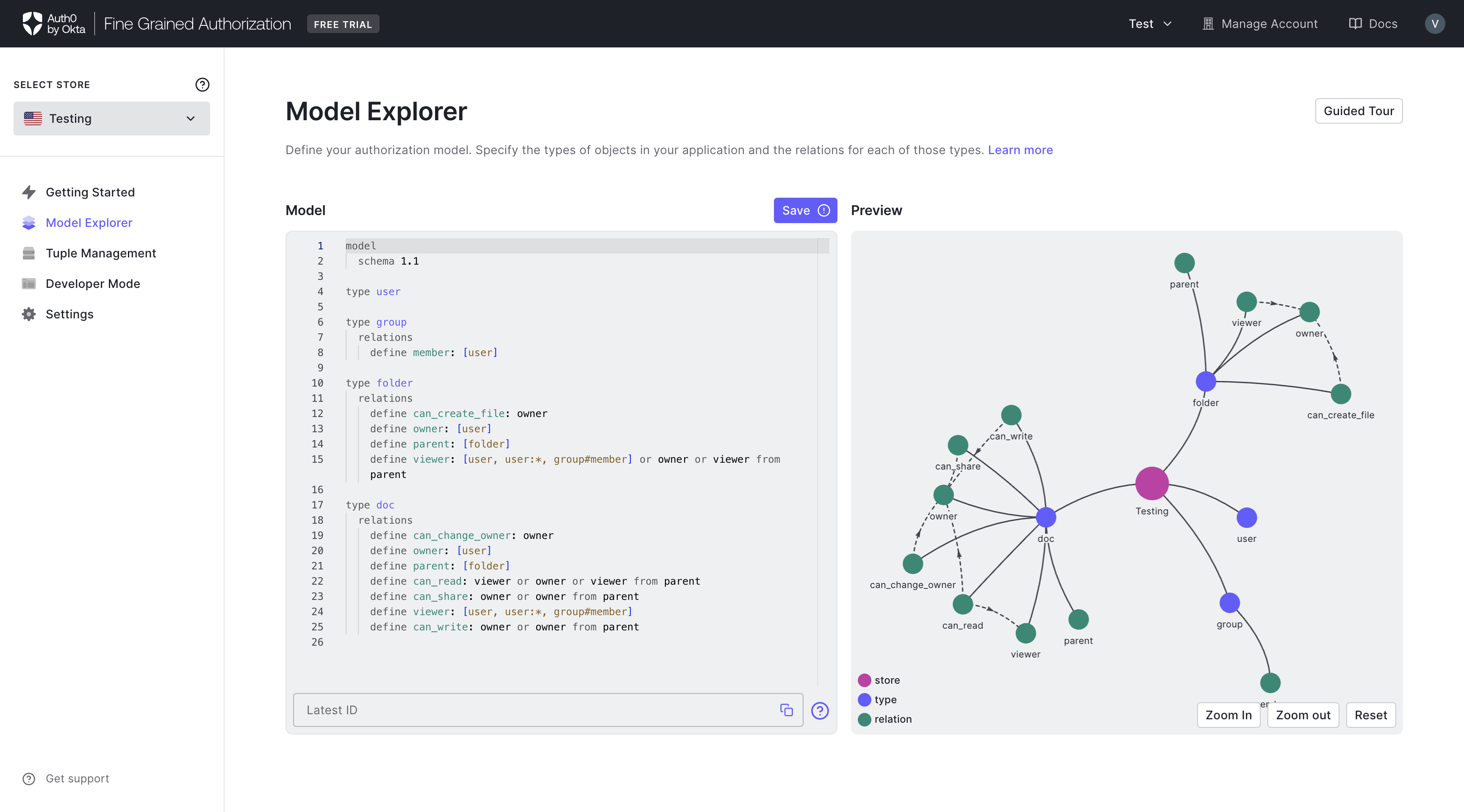
In the Model Explorer page, you may make changes to the authorization model in the editor panel located on the left part of the page. Note that only the DSL syntax is supported.
-
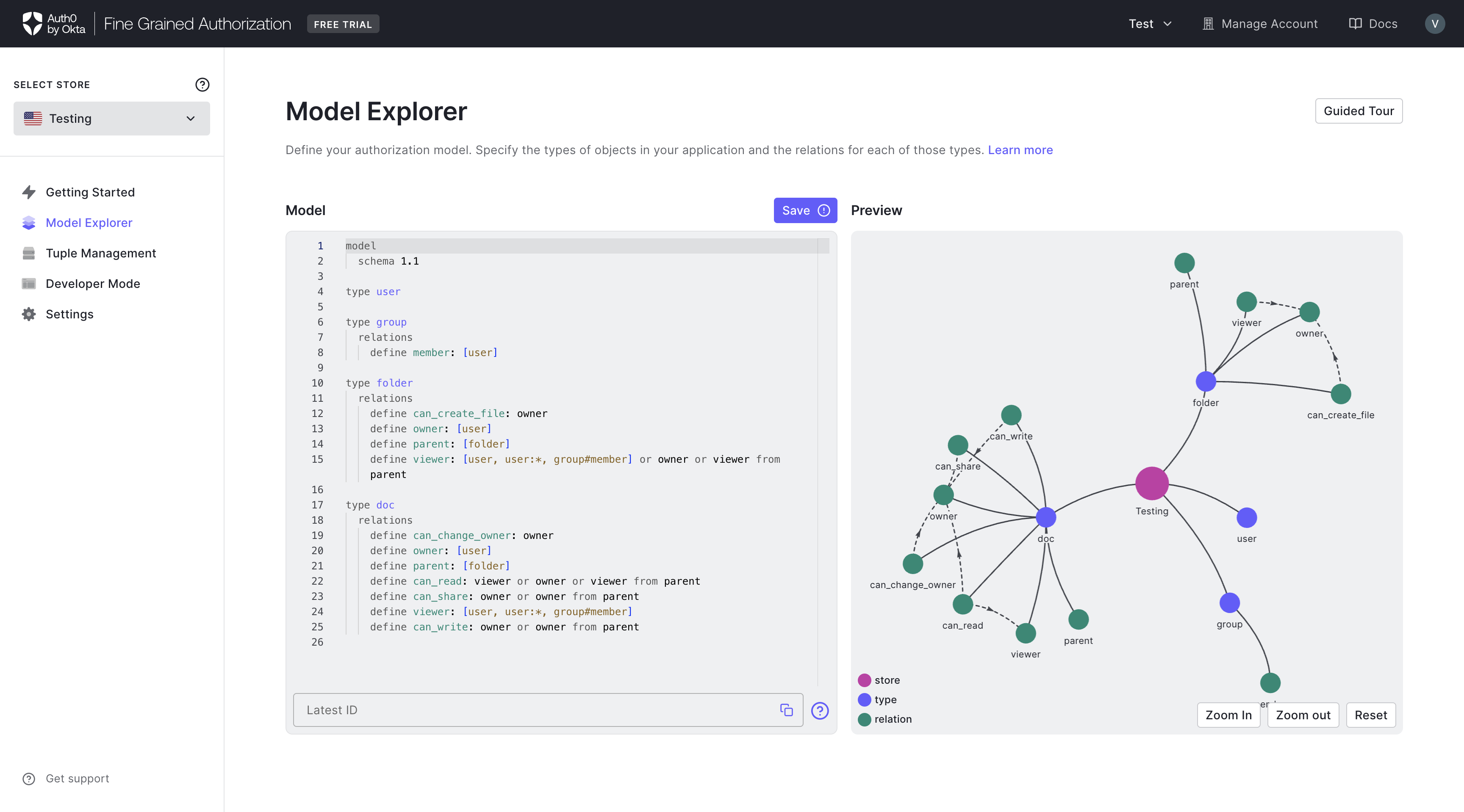
After the changes are made, click SAVE. The SAVE button will be disabled if no changes have been made since the last save.
-
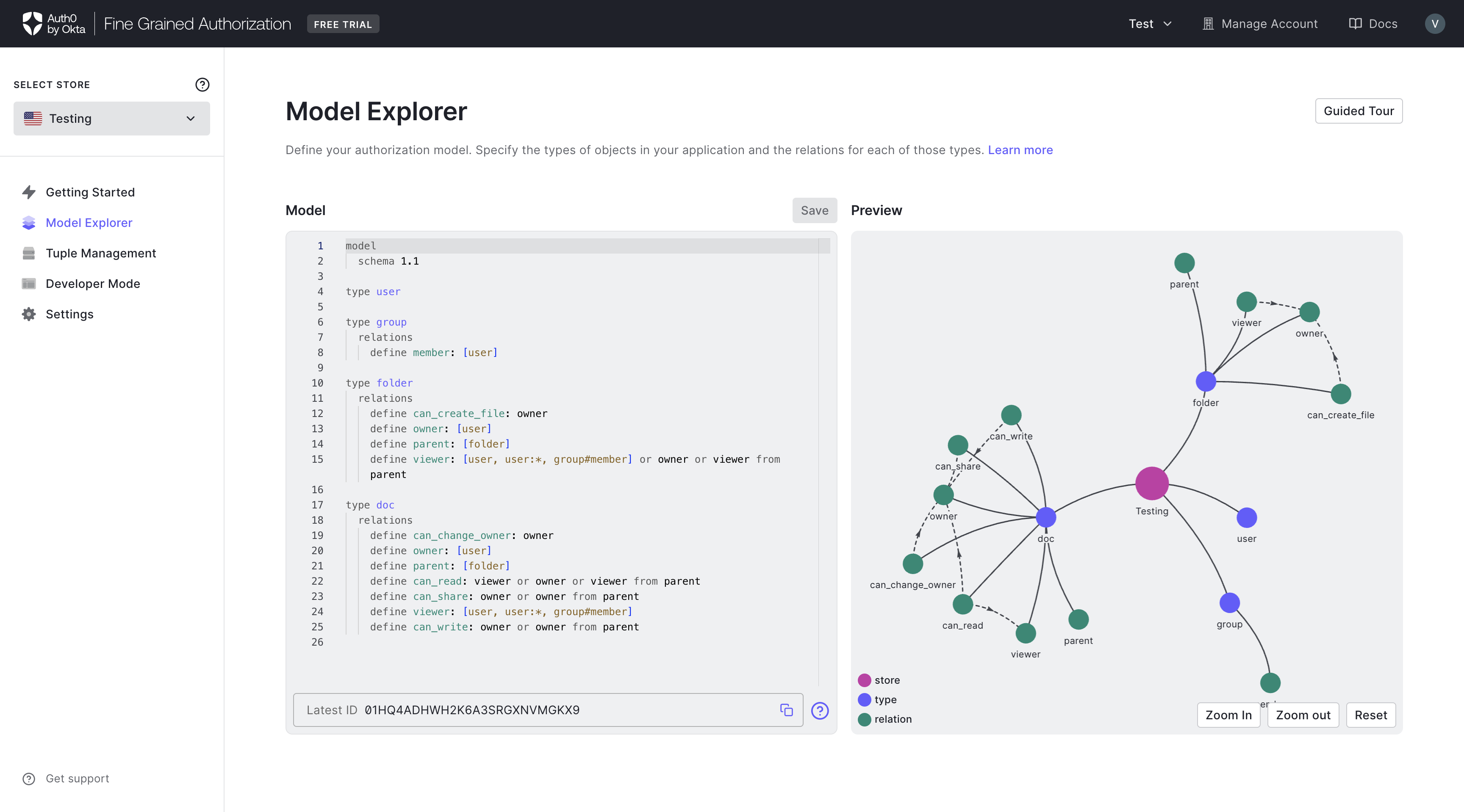
After the authorization model is saved, the Previewer will be updated with a visualization of the new authorization model. You will also be given a new Model ID that corresponds to the latest model.
-
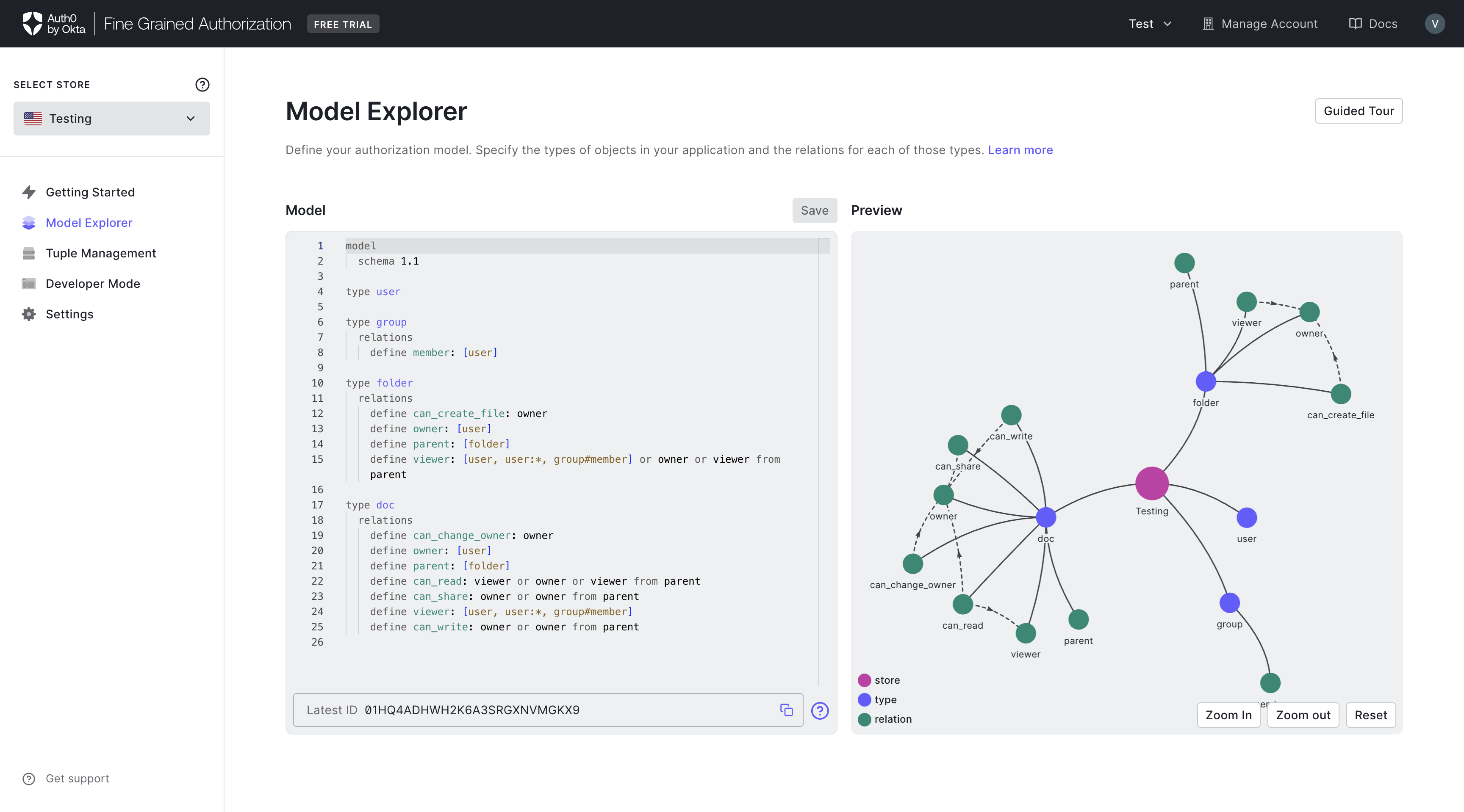
After the authorization model is saved, the SAVE button is no longer active.
Syntax Errors
Syntax errors will be highlighted in red. Hovering the mouse over the error will provide additional details.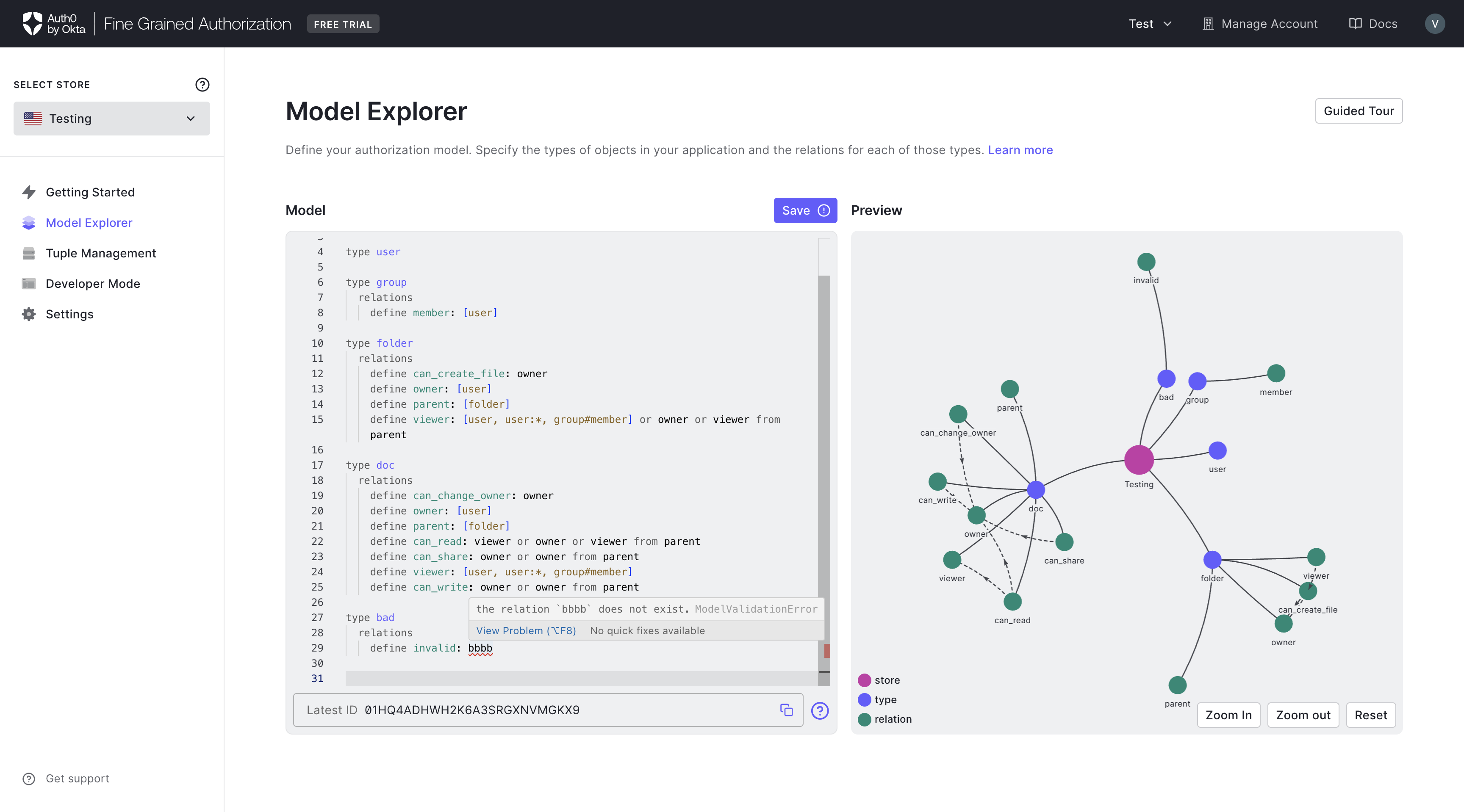
Model Versions
Below the model editor, the Model Versions section lists all saved, immutable versions of your authorization model. Use the search bar to filter by any Model ID. Click any model version to open a Model Preview panel that slides in from the right side of the screen. The panel displays the full DSL. From there, you can copy/paste content into the model editor. This makes it easy to restore a previous version or cherry-pick changes between different model versions.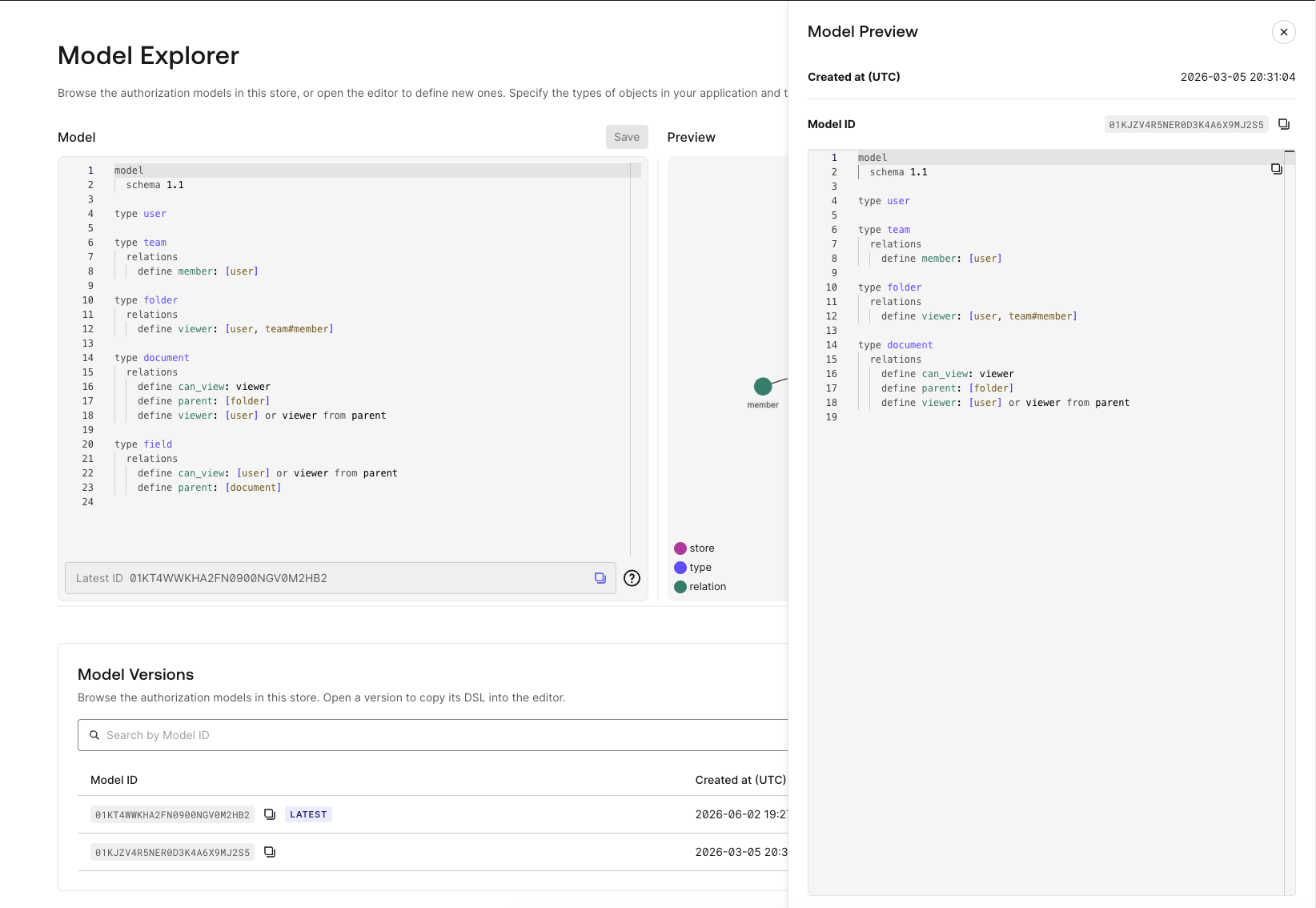 This view is read-only. To edit a model, use the editor as described above.